To change your sleep schedule, do as follows:
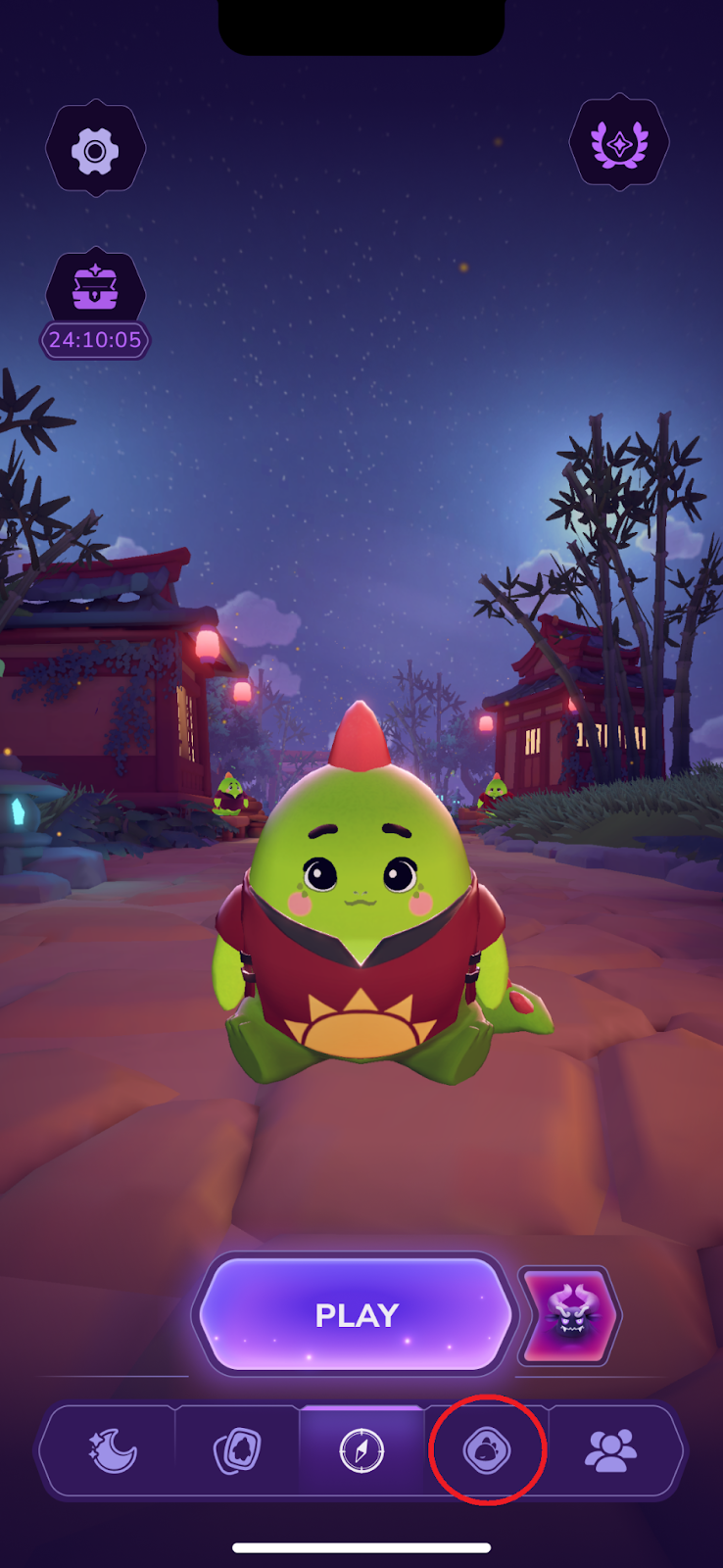
Go to Dino’s room
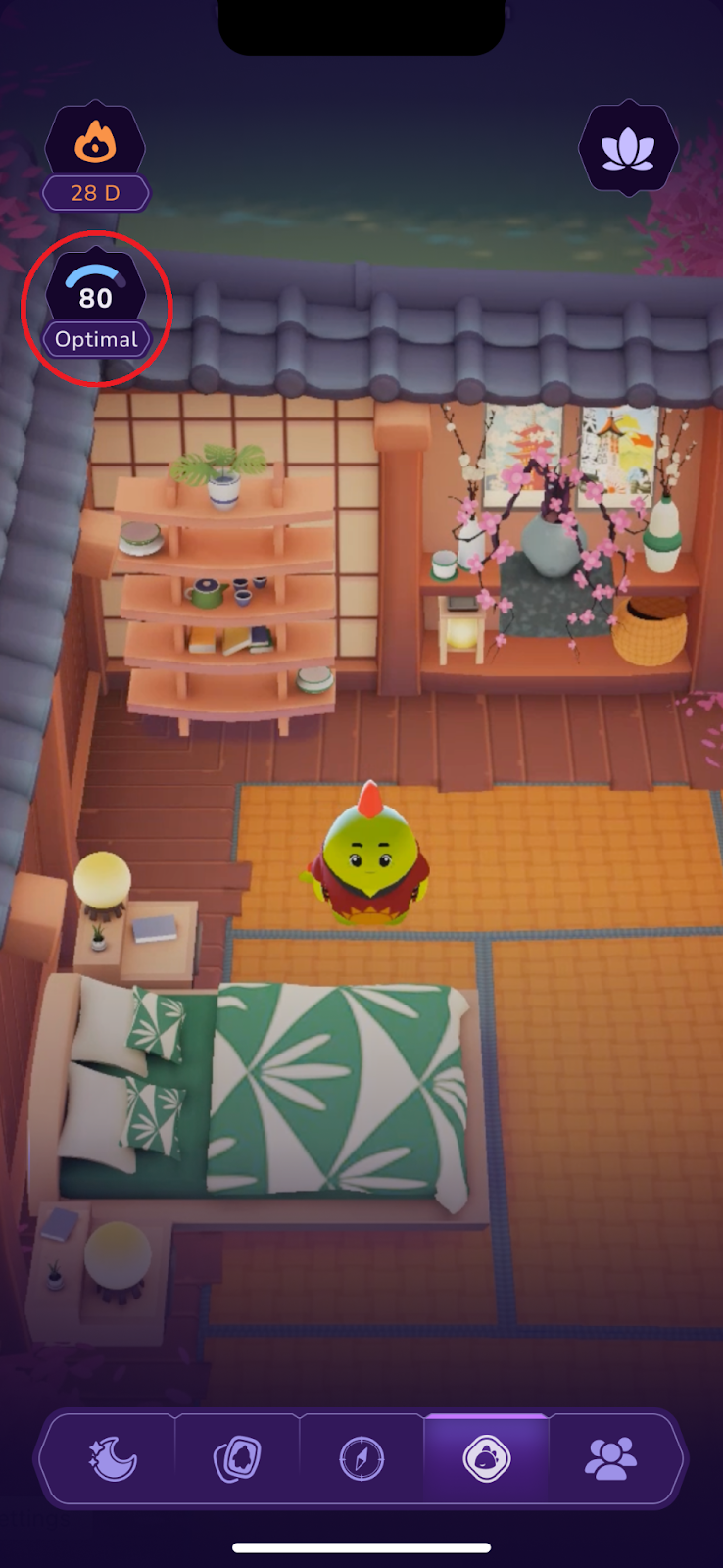
Tap on your sleep score
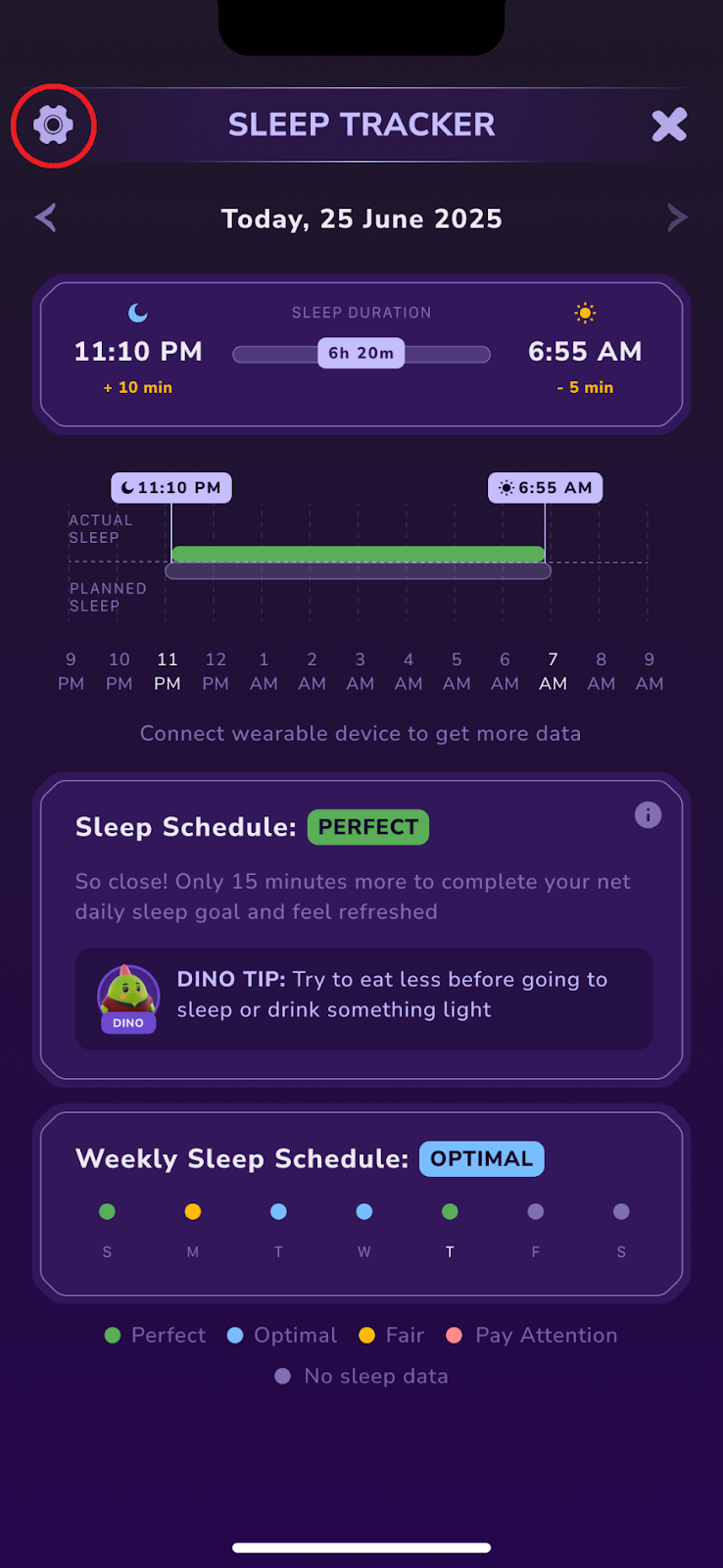
Tap on the gear icon in the top left corner
Set your new schedule and save
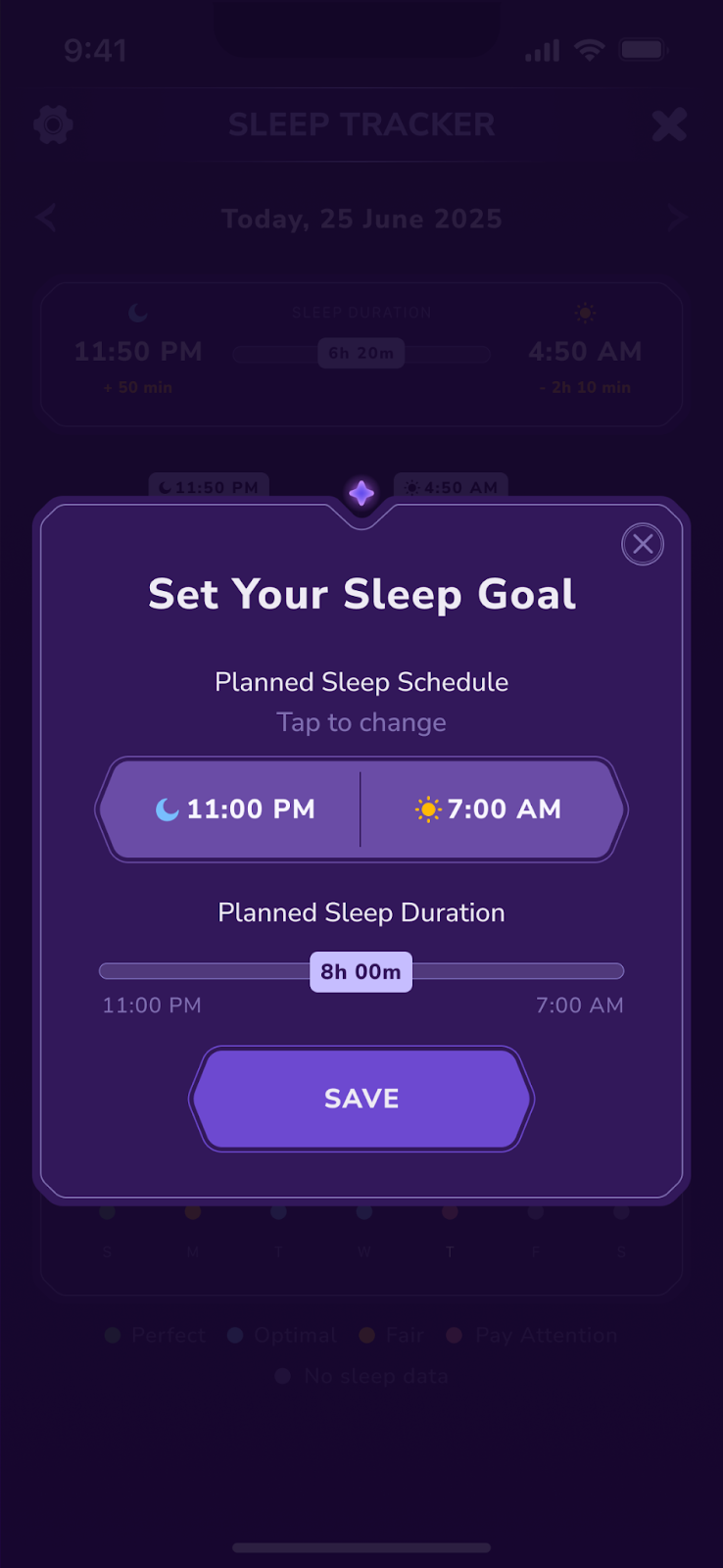
Your new sleep schedule will not be reflected right away – it will be updated only after you claim your next sleep reward.
How to make Dino sleep
Your most important goal in the app is to stay consistent with your sleep schedule. Even if you don’t see Dino go to bed, there is no need to wait for that – just close the app and go to sleep.
How to get better rewards
Your sleep rewards depend on your sleep score. The more points you get, the better rewards you receive.
Was this article helpful?
That’s Great!
Thank you for your feedback
Sorry! We couldn't be helpful
Thank you for your feedback
Feedback sent
We appreciate your effort and will try to fix the article